
 AIaaS
AIaaSQuik AI Automation: workflows that run themselves, with people in control
Quik AI Automation connects triggers and approved actions into workflows that run on their own, and sends exceptions to a person.
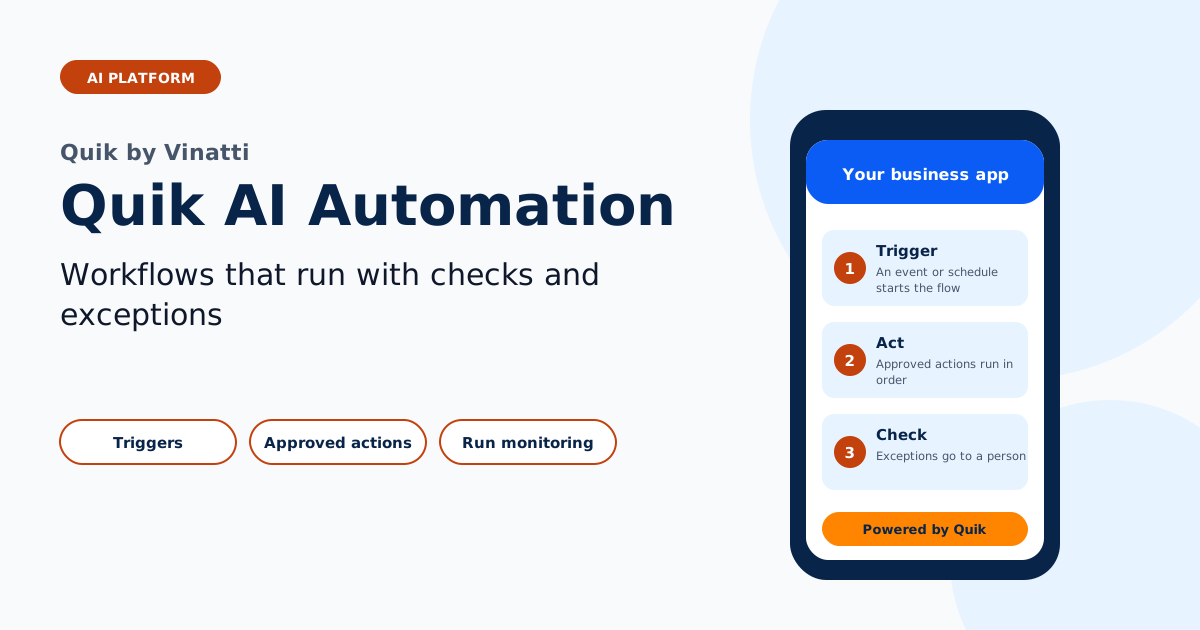
Many processes follow the same steps every time: a request arrives, data is checked, a record is updated and someone is notified. Quik AI Automation runs those steps reliably and logs every run, so your team handles only the exceptions.
Why choose Quik AI Automation
Approved actions only
Workflows use only the systems and actions your company has approved.
Exceptions go to people
When a check fails or a case is unusual, the workflow pauses and a person decides.
Every run logged
Each run leaves an audit trail for operations and compliance teams.
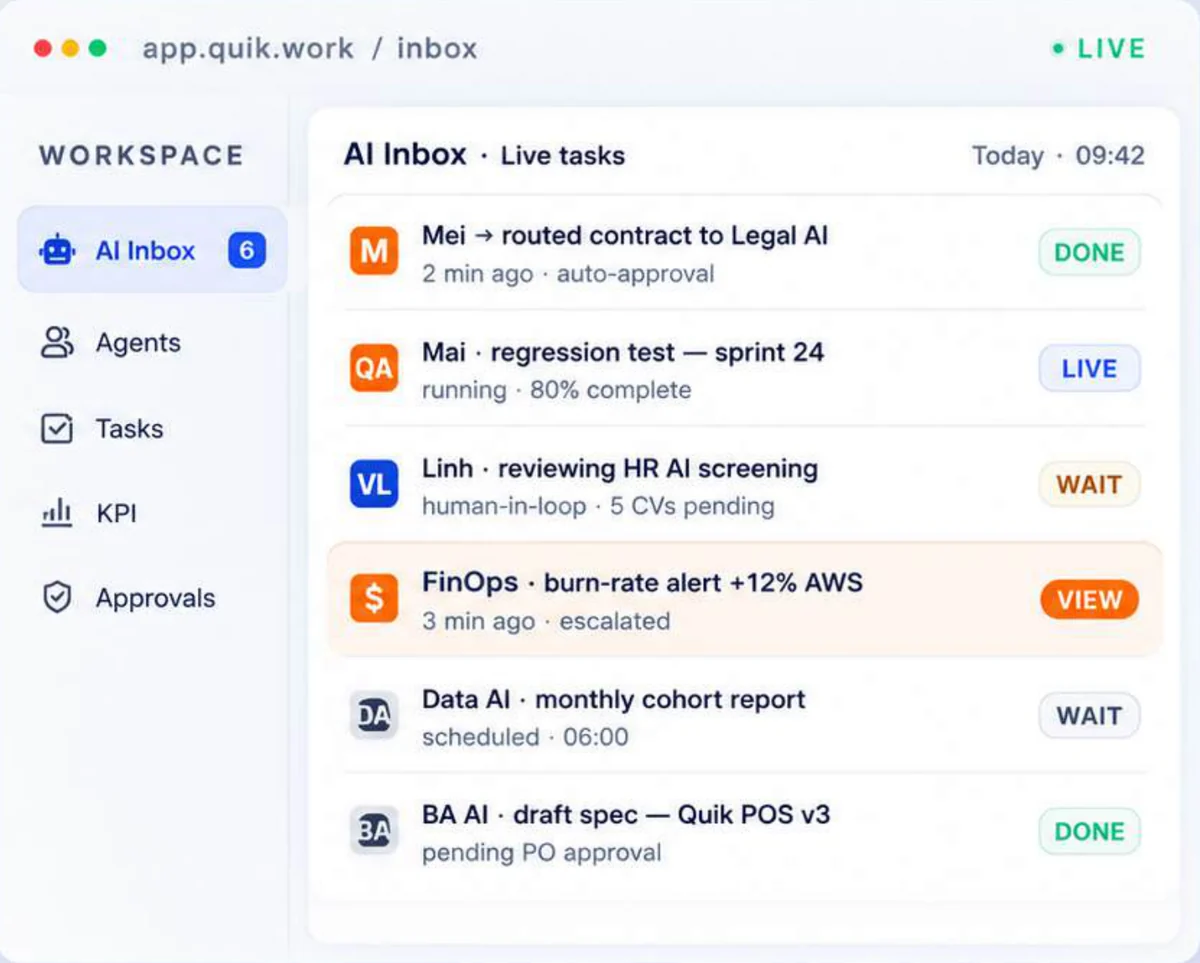
How Quik AI Automation works
- Trigger: an event or schedule starts the workflow.
- Act: approved actions run in order.
- Check: exceptions go to a person.
- Monitor: every run is logged.
Automate the routine and keep control of the rest. Plan an AI pilot.